Most CRM demos look the same. Every vendor shows a clean dashboard, a trader's room, and a long feature list. The differences that matter only show up later, when real clients and real money are moving through the system.
We help founders choose and connect their CRM during setup, and the same lesson repeats: the CRM you regret is rarely the one missing a feature. It's the one whose features don't work the way the demo implied.
This guide is a pre-purchase checklist. For each feature, it tells you what to verify and what a red flag looks like. If you want the IB-specific platform comparison, read our multi-level IB CRM guide. If you want the bigger picture of why the CRM matters, start with what new brokers underestimate about CRM and back office.
Start With the Right Question
The usual first question is "which CRM has the most features?" That's the wrong one. Feature count is the most common and most expensive way to choose a CRM, because a long list tells you nothing about how deeply each feature works.
A better first question: can this CRM handle the five things a generic CRM cannot?
- Real-time sync with your trading platform
- KYC/AML workflow built around deposits and account creation
- Multi-PSP payment processing
- An IB module that scales past your first few partners
- Role-based access control and a full audit trail
If a candidate fails any of these, the rest of its feature list doesn't matter.
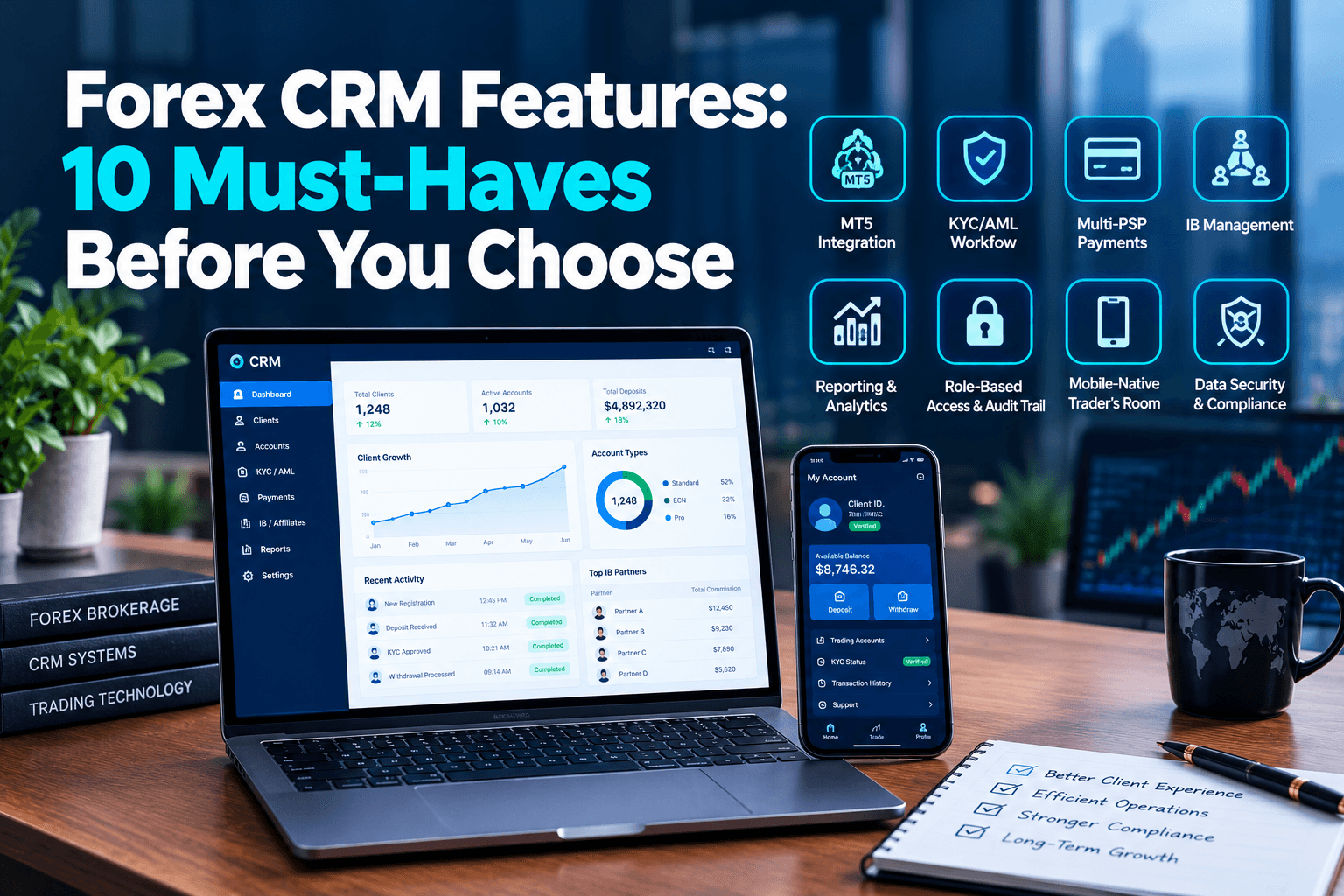
The 10 Features to Check, and How to Check Them
# | Feature | What to verify | Red flag |
1 | Native MT5 sync | Direct Manager API integration, with real-time account creation, balances, and positions | Middleware or nightly CSV imports; "we integrate with MT5" with no detail |
2 | KYC/AML workflow | KYC tied to account creation, with document collection, status tracking, and re-verification | KYC handled in a separate tool that doesn't update client status |
3 | Trader's room | Mobile-native, localized, and self-service for registration, KYC, deposits, and withdrawals | Desktop-first design; routine tasks needing a support ticket |
4 | Payments | Multiple payment providers in one reconciled cashier, with deposit and withdrawal visibility | One processor only; manual reconciliation |
5 | IB/affiliate engine | Multi-tier overrides, mixed commission models, and automated payouts | Handles flat referrals only |
6 | Audit trail and access control | Every action logged with timestamp, user, and before/after values; role-based permissions | Shared logins; no change history |
7 | Reporting and export | Real-time dashboards, custom reports, and full data export | Reports available only through the vendor |
8 | Automation | Workflows triggered by client behavior, such as a trader going inactive | Email templates only |
9 | Open API | Documented REST API with real-time data, not just exports | Closed API, or a setup fee for every integration |
10 | Data protection | GDPR-grade handling, retention rules, and control over where data is hosted | No answer on data location |
A few of these deserve more explanation.
1. Native MT5 sync: ask what happens when the server restarts
Every vendor says they integrate with MT5. The question is how. A CRM that connects through the Manager API directly can create accounts and update balances in near real time. One that connects through middleware adds latency and another point of failure.
Ask three specific questions:
- Is it a native Manager API integration or a third-party layer?
- What syncs in real time, and what syncs on a schedule?
- What happens to data sync when the trading server restarts?
How a vendor answers the third question tells you a lot about how the system was built.
2. KYC: tied to the account, not beside it
A common trap is splitting KYC from account creation, so identity checks live in one place and trading accounts in another. The two drift apart, and reconciling them under regulator pressure is painful. The CRM should hold the KYC status as part of the client record and be able to block or limit an account based on it. For the full compliance picture.
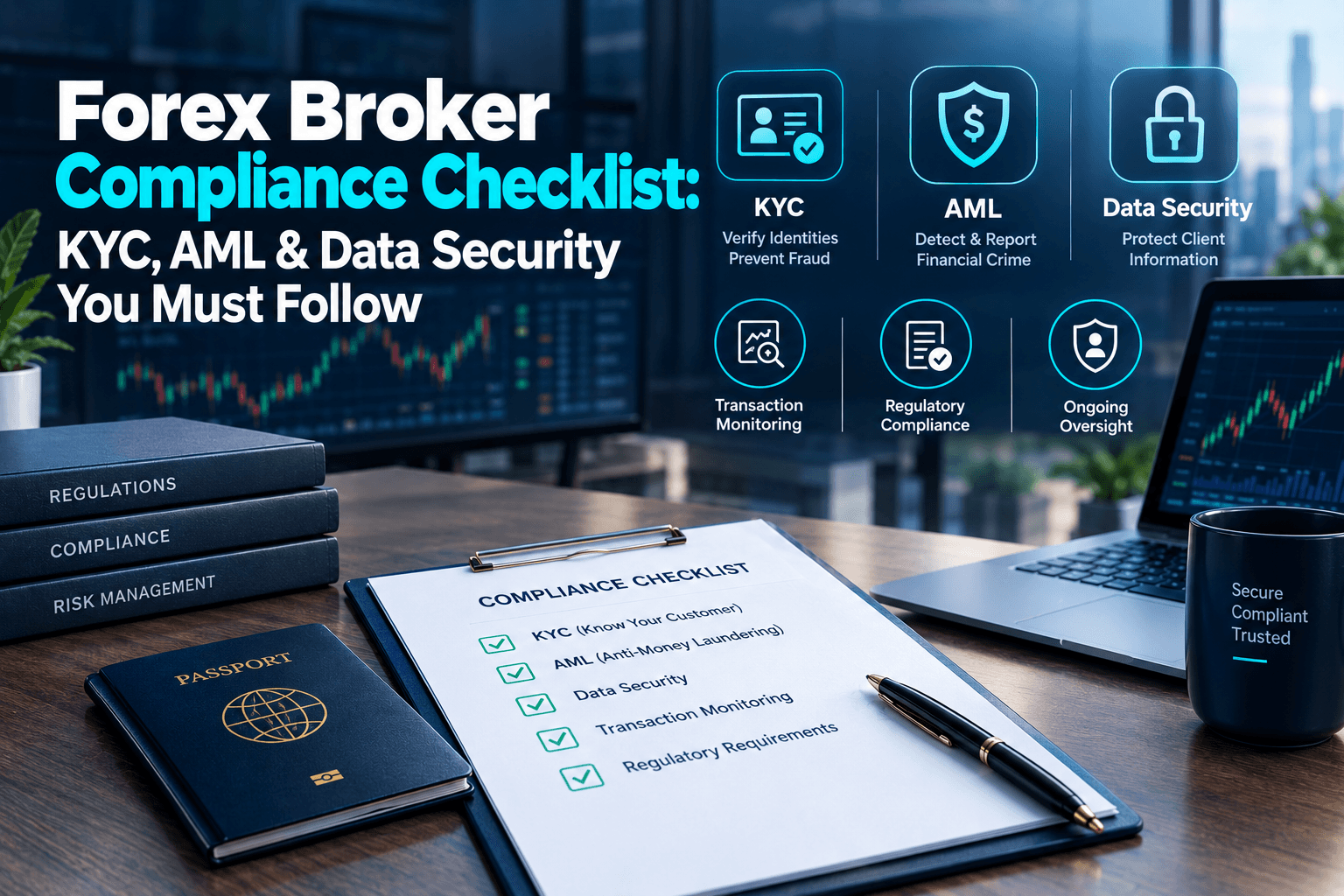
see our KYC, AML, and data security checklist.
6. Audit trail: the feature you only need when it matters
You won't think about the audit trail until a renewal, a bank review, or a dispute. At that point, you'll need to show who changed what, and when. Logging with timestamps, user IDs, and before/after values is what turns a CRM from a database into evidence.
9. Open API: a lock-in test
If a vendor won't give you access to your own data through an API, or charges a setup fee for every new integration, that's a lock-in signal. Open the API documentation before you sign. Check that it exposes real-time attribution, deposit, and trading data, not just a nightly export.
Non-Feature Questions That Decide Your Experience
The features above are the product. These questions are about the relationship, and they cause the most regret later.
Can I test it in a sandbox, not just a demo?
A demo shows you what the vendor wants you to see. A sandbox lets you run your own workflows with your own data. If a vendor won't provide one, take that as information about their confidence.
Who owns my data, and can I leave?
Look for full export at any time in a standard format. Be cautious if export is restricted, chargeable, or held by the vendor. Ask what a migration out of the system would involve before you ever need it.
What does pricing look like at scale?
The cheapest entry tier often becomes expensive as clients, seats, or volume grow. Ask for the cost at two or three times your expected size.
Can it scale with my IB network?
Choose the structure you expect in 12 to 18 months. Our guide to scaling IB networks covers where networks tend to break.
What happens if I need to migrate? If you're moving from another system, check whether attribution and commission history will be preserved.
What's Changed in 2026
- Data location matters more: Regulators are stricter, and some expect you to host data in specific jurisdictions. Ask whether the CRM lets you choose where data lives.
- API-first is now the standard: Open, well-documented APIs are expected, not a premium add-on.
- Platform coverage is widening: MT5 is the baseline for new brokers, but many CRMs now also support cTrader, Match-Trader, DXtrade, and TradeLocker. If you may add another platform later, check this now.
- Mobile-native trader rooms are the norm: Clients expect to register, verify, and deposit from a phone.
- Prop-style modules are appearing: Some brokers run evaluation-style accounts alongside retail trading, which your CRM needs to handle if that's in your plan.
Red Flags to Walk Away From
- No sandbox
- Vague answers on how MT5 integration works
- Nightly exports instead of real-time data
- A closed API, or per-integration setup fees
- Restricted or chargeable data export
- No audit trail
- A feature list longer than its documentation
How to Score Your Shortlist
Weight the criteria by your business model rather than treating every feature equally. A broker built around a large IB network should weigh the IB engine and payout accuracy heavily. A compliance-first broker in a regulated jurisdiction should weigh the audit trail, KYC workflow, and data location. Score two or three finalists against the same criteria, and base the scores on what you tested in the sandbox, not on the sales presentation.
Related Reading
- Forex CRM & Back-Office Systems: What New Brokers Underestimate
- Best CRM for Forex Brokers with Multi-Level IB Management
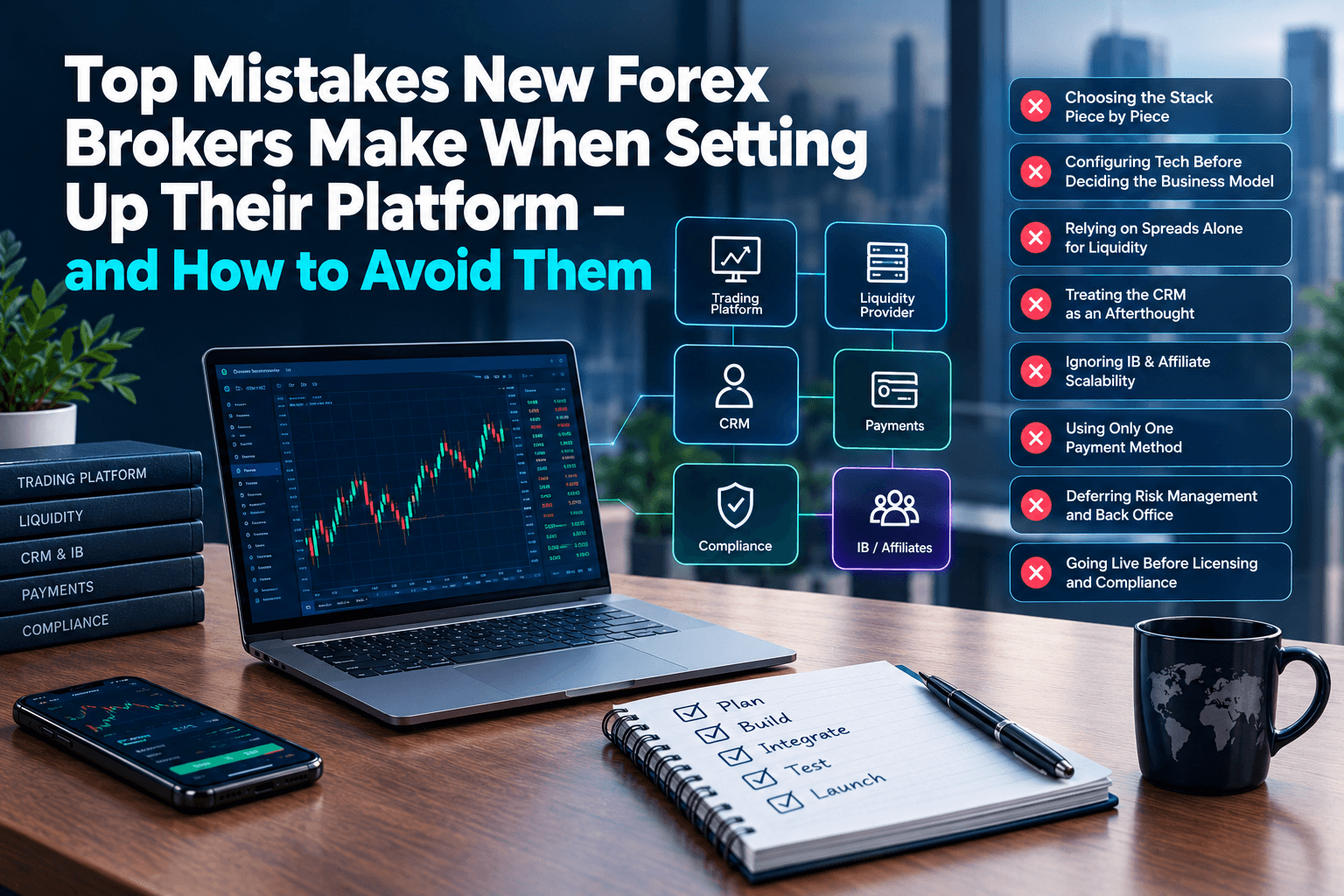
- Top Mistakes New Forex Brokers Make When Setting Up Their Platform
- Forex Broker Compliance Checklist – KYC, AML, and Data Security
About FX Launch Pad
When we help a client evaluate a CRM, we don't start with a feature comparison. We start with a sandbox test: connect it to the MT5 server, run a client from signup through KYC and deposit, then run an IB commission scenario. The gaps that don't appear in demos tend to appear within the first hour.
Because our CRM and trading technology are developed in-house, we can configure all of it as one tested system rather than leaving you to join the pieces yourself.
If you're comparing CRMs and want a second opinion before you sign, book a free consultation and we'll go through your shortlist with you.
Frequently Asked Questions
Q-1 What features should a forex CRM have?
Ans- At minimum: real-time MT5 sync, KYC/AML workflow tied to account creation, a mobile-native trader's room, multi-provider payment processing, a scalable IB module, an audit trail with role-based access, reporting with data export, an open API, and GDPR-grade data handling.
Q-2 Why can't I use a generic CRM for forex brokerage?
Ans- A generic CRM can't sync real-time trading data through the trading platform's Manager API, and it isn't built for deposit-time KYC/AML, multi-tier IB commissions, or the audit requirements regulators expect.
Q-3 What is the difference between a demo and a sandbox?
Ans- A demo is a guided tour of what the vendor chooses to show. A sandbox is a test environment where you can run your own workflows and data, including connecting to your trading server, before you commit.
Q-4Who owns the data in a forex CRM?
Ans- It depends on the contract. With many SaaS CRMs, export rights vary. Look for full export at any time in a standard format, and confirm this before signing.
Q-5 Should I choose a CRM based on the number of features?
Ans- No. Feature count is a common and costly basis for choosing. Check whether each essential feature works at the depth you need, especially MT5 sync, KYC, payments, and IB management, and verify it in a sandbox.